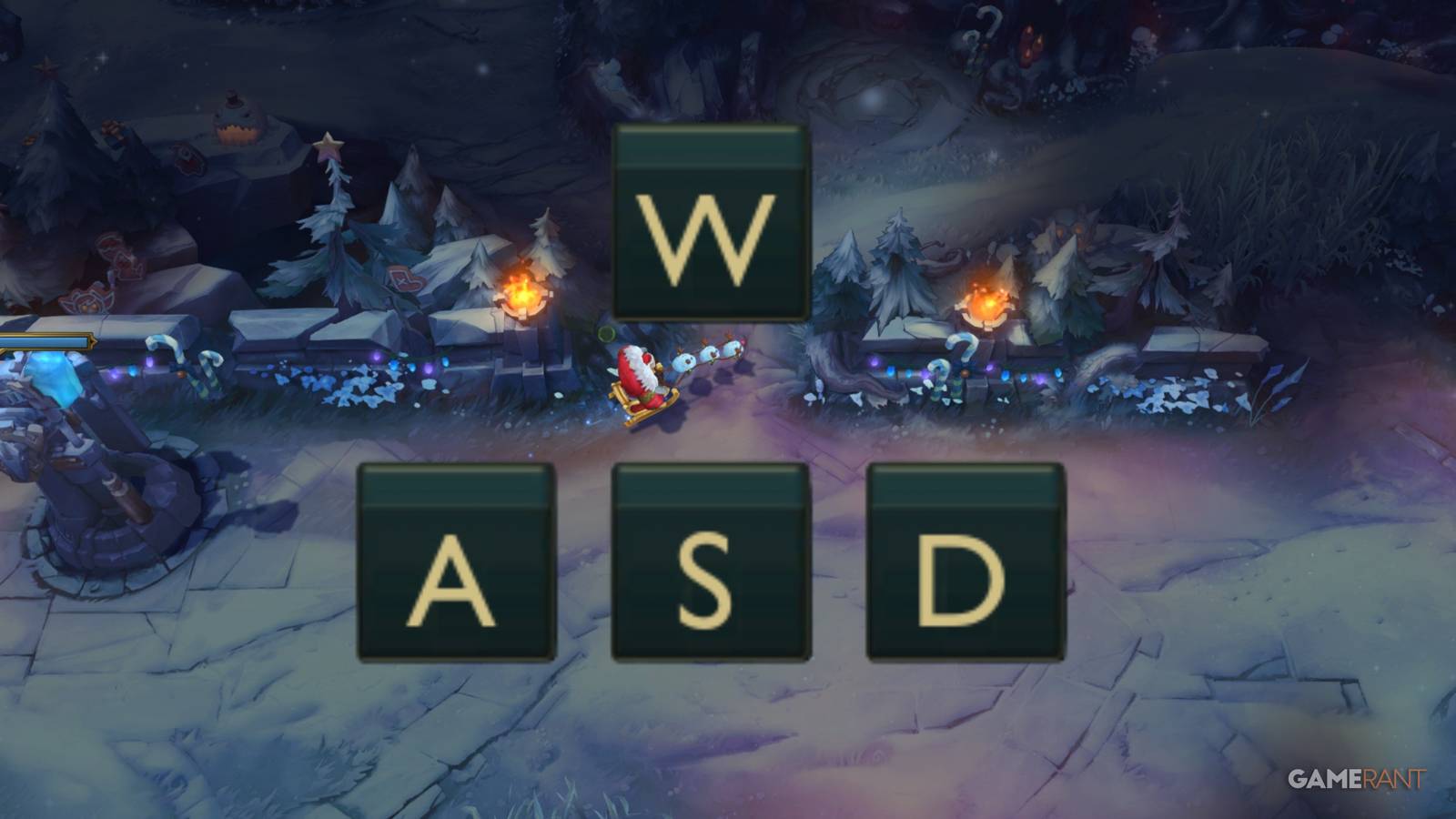
The introduction of WASD controls is probably one of the biggest changes League of Legends history, giving players a secondary way to play the game. Riot Games' goal is to help make the game accessible to a wider range of playersmany of whom will be used to similar controls in other games.

League of Legends: Biggest Changes in 2026
Players can look forward to the following changes and updates for League of Legends in 2026.
WASD controls are completely optional, and players happy with using the mouse for movement can easily ignore this update. This guide will cover how to turn on WASD control in Leagueoverlook a couple new settingsand consider the question whether players should switch.
When will WASD controls be released for League Of Legends

WASD control for League of Legends they are available with patch 25.24which was released on December 3, 2025. But first, WASD has were introduced only to the OCE server.
The the plan is for WASD to be released on other servers throughout the daybut if too many bugs or problems are found in the OCE implementation, it may be slightly delayed.
WASD has since been released for both EUW and NA, and possibly other servers as well.
How to enable WASD controls in League Of Legends

To enable WASD controls in lolplayers will have to enter a viable game mode. The Practice tool is always the best option to try new things.
Open the settingsand in the Shortcuts section, there should be an input selection option at the top Mouse (point and click) or Keyboard (WASD).
Remember click save before exiting the options menu.
Currently cannot be changed to WASD in the main client; it must be done in game.
After switching many keyboard shortcuts such as ability keys will change. Don't worry though; switch back to mouse movement it will restore all your old settings. This means that players can experiment with peace of mind.
Players can easily switch between these options, but they do lock for the rest of the game once 10 minutes are up.

How to play Zaahen in League of Legends
This guide for Zaahen in League of Legends will show players how to pilot and build the newest champion to grace the Rift.
Settings for WASD control
In addition to the usual amount of keyboard shortcuts to customize when switching control systems, there are also some new setting for WASD only.
Directly below the keys for W, A, S, and D that can be changed are two options:

-
Rotate the WASD inputs relative to the orientation of the map strip.
- Flash Manipulation Type: Cursor, Move + Cursor if aligned, or Move
The second of them determines the direction of the flashwhile either following the mouse or the character's current direction.

Next and let's stay with Keyboard Shortcuts, but now in the Keyboard Shortcuts submenu and then Camera Controls there is a new Scout Ahead mode switch option for WASD users. This is set to the Middle Mouse Button (MB3) by default and allows players to look away from their character.
In the right one Camera settingsplayers can adjust the speed of Scout Ahead mode.
When can WASD be used?

At startup, during patch 25.24, the WASD controls can can only be used in certain unranked game modesas seen below.
|
WASD enabled |
WASD disabled |
|---|---|
|
Own games |
Normal concept selection |
|
Practice tool |
Ranked Solo/Duo |
|
Swiftplay |
Rated Flex |
|
ARAM |
|
|
ARAM Mayhem |
|
|
Arena |
|
|
ARURF |
|
|
Co-op vs AI |
His it has not been decided when WASD will be available for reviewers and other mods because Riot will only do so when they and the playerbase are happy that everything is fine fair and error free.
Additionally, WASD controls may be disabled for specific champions at certain times if bugs or other issues occur. at startup WASD is disabled for Briar and Taliyah.
Should you use WASD controls in League of Legends?

Once players have the ability to use WASD, especially when it's eventually enabled in ratings, the next question to ask is whether should use WASD controls League? At the end of the day it will come player preferencesand there is no correct answer. It is best viewed from view of several hypothetical players.
Should new players use WASD in League?

If you are new League or they only play for a short time and are still getting used to moving around with the mouse WASD is absolutely a great option; after all, that's why it was introduced. This is especially true for players coming from other games that use WASD controls.
On the other hand, new players shouldn't feel forced to use WASD. Consider trying both and see which one suits you best.
Should Veterans Use WASD in League?

Veteran League players who have potentially experienced the leading MOBA since 2009, they shouldn't feel threatened by WASD or they feel they need to learn this new control system.

10 League of Legends holiday skins you need this winter
With the return of the winter map, these are the best Christmas skins in League of Legends.
If players are happy with using point and click along with QWER for their abilities, feel free to ignore WASD. Ideally with additional feedback and consideration both control systems will be equivalentand Riot would never sacrifice the old system.
At the same time, feel free to try WASDwho knows, it might be more convenient. There will be a lot muscle memory to unlearnand the players will they need new keyboard shortcutsbut it can be done.
Should ADC players use WASD in League?

While most veterans may not find much use with WASD, the exception could be for ADC playerslike this control system can help kitinghelps marksmen deal more DPS at a safe distance while still dodging projectiles.
During development on the PBE, kiting with WASD was slightly brokenso it's certainly not overpowered, but it still remains a viable option. If experienced Bot Laners decide to switch to WASD, they will have to practice with it before matching and possibly surpassing their previous level of kiting.
It will be interesting to see if any professional ADCs make the transition, but gamers should not feel the need. Point and click is still as good as ever.


- Released
-
October 27, 2009
- ESRB
-
T for Teens: Blood, fantasy violence, mild themes, alcohol and tobacco use

