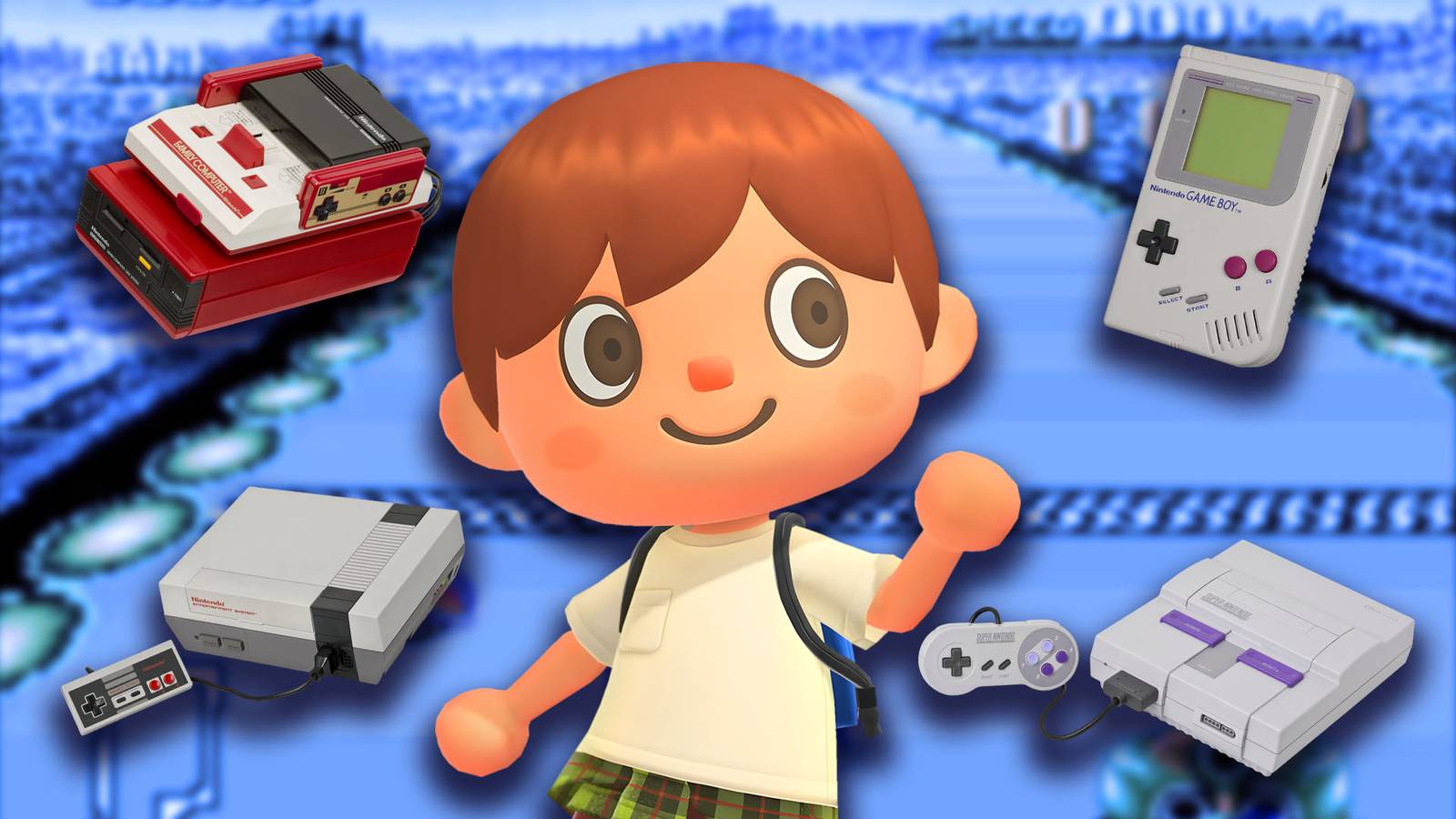
The Animal Crossing: New Horizons Update 3.0 sends players back in time by allowing them to play emulations of retro Nintendo games on their islands. Whether you're looking forward to revisiting childhood classics or looking to collect all the new items available, this guide will teach you how to unlock every retro Nintendo console available in Animal Crossing: New Horizons and the requirements needed to play them.

How to increase your home storage in Animal Crossing New Horizons
With so many amazing items to collect in Animal Crossing: New Horizons, players should expand their storage as soon as possible – here's how.
How to get all retro Nintendo games in Animal Crossing New Horizons
How to fully upgrade your hotel catalog

To get new Retro Nintendo consoles Animal Crossing: New Horizons, you have to complete a job for the hotel run by the Kappn family. Consoles will be available after that do enough work in the hotel for the third and final time to upgrade your catalog. While there is some uncertainty in the community about the requirements for this, we have found that completing the following tasks has allowed consoles to be ordered:
-
Have at least a 3 star rating on your island.
-
Decoration of all 8 hotel rooms and VIP rooms.
-
Bring a tourist to the hotel and decorate a VIP room for him.
-
Complete 50 DIY requests for Kappn.
If your island rating falls below 3 stars at any time before the catalog is unlocked, you will not be able to unlock it until you raise your rating again. This will happen regardless of how many DIY requests are completed and how many hotel rooms are decorated.
Talking to grandma after meeting these requirements, it will allow you to do so buy retro Nintendo consoles from new Special card in the hotel catalog. You can only buy 5 items per day, with the items themselves arriving in the mail the next day in game. If you want every Nintendo console, you'll need a total of 3,500 hotel tickets.
Seven retro Nintendo consoles are available in this catalog. However, there are only six games that can be played because two Super NES consoles play the same game. Here's a look at all Nintendo consoles Animal Crossing: New Horizons:
|
Console name |
Game |
Price (hotel tickets) |
|---|---|---|
|
Famicon |
Clu Clu Land |
500 |
|
The Famicon Disc System |
Ice hockey |
500 |
|
Game Boy |
Dr. Mario |
500 |
|
NES |
Ice climber |
500 |
|
Super Famicon |
Panel de Pon |
500 |
|
Super NES (NTSC version) |
F-zero |
500 |
|
Super NES (PAL version) |
F-zero |
500 |
The hotel store will also sell a Nintendo Switch 2 item, but it will not include a minigame like the other newly added consoles.
How to play every Retro Nintendo game in Animal Crossing New Horizons
To play retro Nintendo games Animal Crossing: New Horizonsyou will first need to meet the following requirements:
-
Get a game console in Animal Crossing: New Horizons that contains the game you want to play.
-
Nintendo Switch Online Membership.
To play one of the new games, start by placing the desired console either in your home or somewhere on your island. After placement, interact with the console using the A button to turn on. It will inform you about the game that the console contains and give you the option to play the game or leave the console.
After you decide to play the game, your Switch will need to connect to the internet in order to check your Nintendo Switch Online membership. After this check you will be able to start the game.
When you enter the game, you will see its title screen with several game options. Use it – the button on the left side of the Joy-Con to switch between the listed game modes, then press + button on the right side of the Joy-Con select the mode you want to play. If you want to remove button instructions, quick press the top of the right Joy-Con. This will also move the game to the center of the screen.
When you are ready to stop playing, hold the ZL and ZR buttons until the screen goes dark. This will exit the game and return you to your island in front of the console you were using.


- Released
-
January 15, 2026
- ESRB
-
All / Comic book mischief, mild fantasy violence, user interaction, in-game purchases
- Developers
-
Nintendo EPD
- Publishers
-
Nintendo
- Multiplayer
-
Online Co-Op


