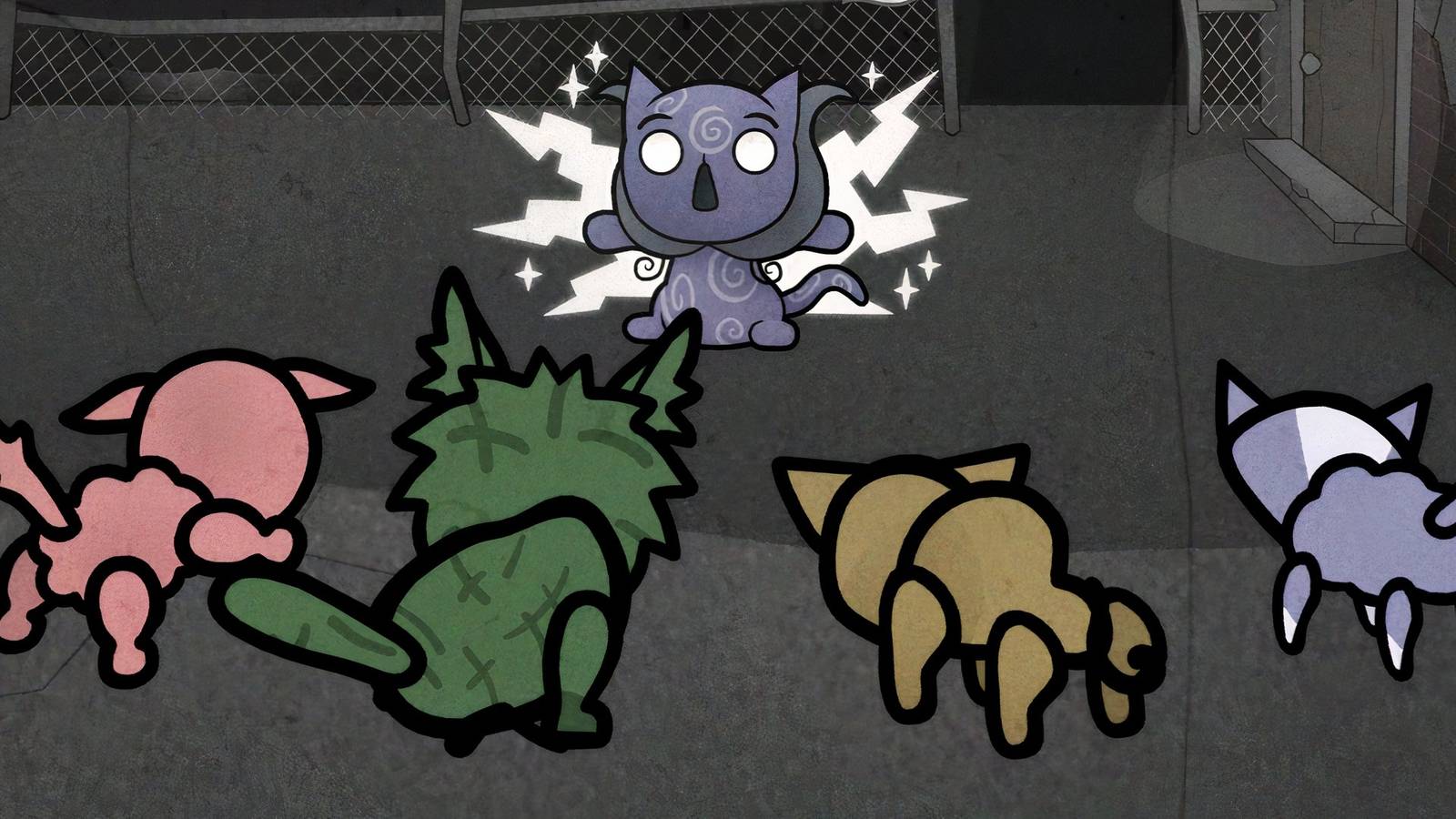
Playing Mewgenics it can be strangely satisfying. With its story and indie cartoon art style, the game exudes a strong sense of nostalgia, especially for Cartoon Network fans. That said, it's also incredibly strategic and not always easy to wrap your head around.

All Mewgenics Cat Stats (And What They Do)
As you venture further from home in Mewgenics, you'll face tougher enemies. This means you'll need cats with better stats.
The game's turn-based combat system lets you send mutant cats on adventures where managing your battle location and planning your moves is just as important as keeping track of each character's HP. This guide describes how combat works Mewgenicsso traversing cities is easier.
How to fight in Mewgenics

Struggle is one of the things you inevitably go through Mewgenics consultation. And even if you're doing pretty well there, jumping onto the stage itself can leave you confused and even a little frustrated as to why the basic attack button isn't active and what to do next.
First, you will need enough cats (usually four) to enter a battle in this game, and you cannot include any that you have already used. Just keep breeding and when you have enough, drag them from your cat house to the adventure box, select their class collars and lock them.

Once you're on the battlefield, your cat team will encounter a bunch of enemies (including bosses and mini-bosses) depending on the city and level. There will of course be mobs of cats that you will have to kill to gain loot and progress. In the top right, you'll see the order in which the fight will take place, indicating which creature's turn it is now and whose turn it will be next, so you can tactically surround your enemies.

in the core fight in Mewgenics is simple: click the 'Move' button and select the green grid tile for your fighting cat (the one with the paw print floating above its head) to stand and make sure it's close to the enemy, preferably right behind them for higher damage.
Also, make sure your cat's position is in line with their attack grid; otherwise they won't be able to strike after settling down.

You can do this by tapping on the type of attack you want to use at the bottom left of the screen and checking its range in orange so you can position your unit accordingly. Then just choose the skill you want them to perform, whether it's their basic attack, spell, or ability, depending on what's available.
Keep that in mind you can move the cat once during its action phaseso careful planning is the key to victory. Likewise, his Basic Attack can only be triggered once, but spells and other skills can be activated multiple times if he has enough mana.
After you've used all of the cat's specials (or if the cat ends up in a bad place where no actions are possible), you can end its phase using the bottom right button, allowing another character to take over.

Ending a turn without taking a hit often allows enemies to hurt your units, so if your character has a 'Block' ability, make sure you activate it before switching characters, as this helps prevent incoming damage, especially if the boss freezes, burns or uses other effects. Repeat this process with each cat to easily clear the chapter stage. On the other hand, if all your units are defeated, you lose the engaged cats as well as all the collectibles, which can be rough. For fans dealing with this and how it affects their progress, you can check out our dedicated guide here.


- Released
-
February 10, 2026
- Developers
-
Edmund McMillen, Tyler Glaiel
- Publishers
-
Edmund McMillen, Tyler Glaiel
- Number of players
-
For one player
- Steam Deck Compatibility
-
Unknown

