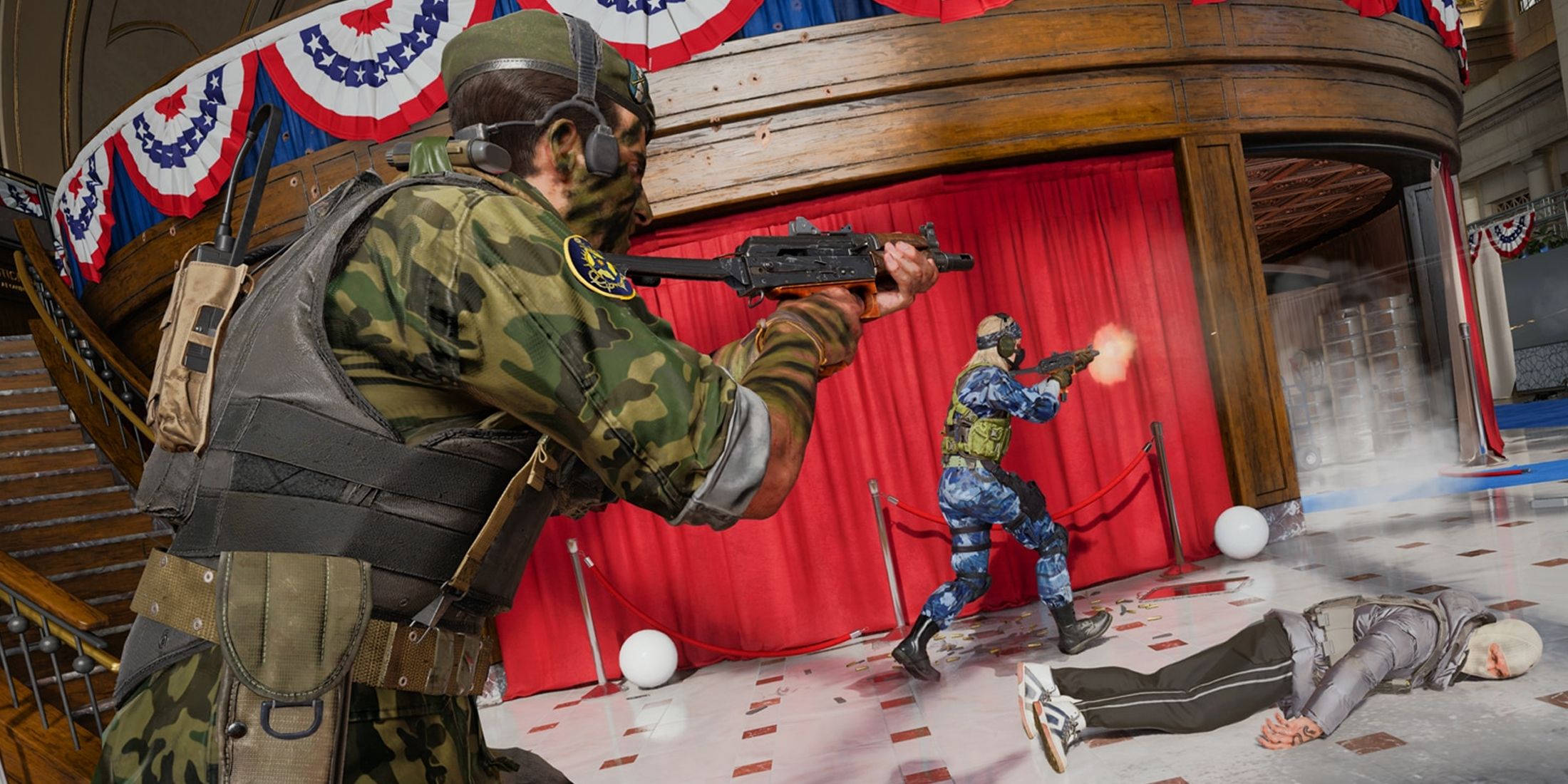
Apart from equipping yourself with the best weapons to survive and excel Call of Duty: Black Ops 6 you will need to adjust the sound settings properly. By fine-tuning the sound, you'll be able to hear your enemies' footsteps more clearly, making it easier to follow their movements and avoid being caught off guard, especially when you're in lane.
This is especially important given the significant audio changes Treyarch has implemented, improving spatial awareness, sound absorption in different environments, and amplifying key sounds for better game awareness.

Related
CoD Black Ops 6: Best Controller Settings
Check out the best controller settings for Call of Duty: Black Ops 6, including aim assist, movement, button layouts and more to master the game.
The best sound settings for Call Of Duty: Black Ops 6
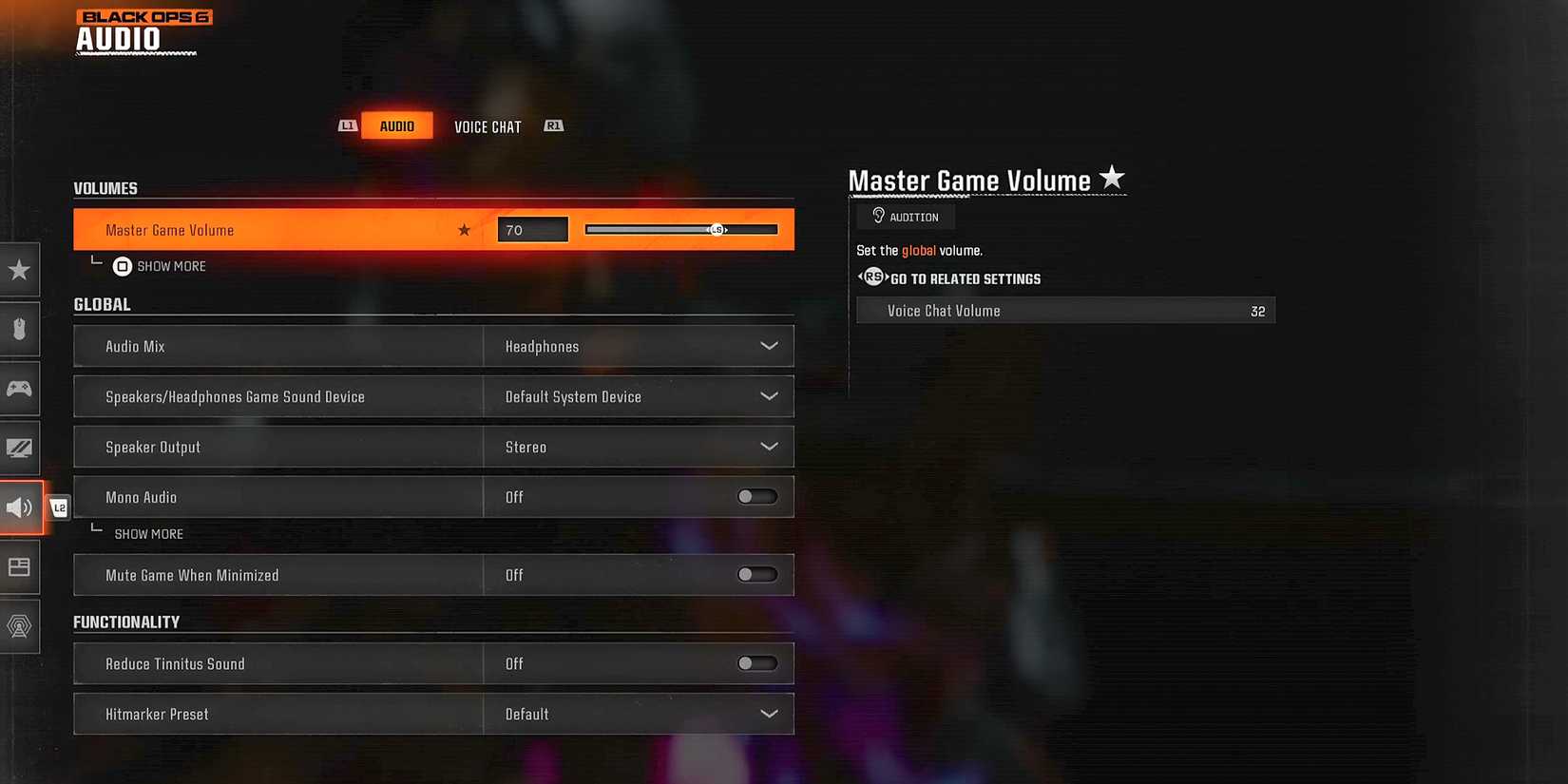
Keep in mind that Black Ops 6 the sound settings described below may need to be adjusted to suit each player's specific hearing needs. However, these settings are optimized to enhance enemy moves and highlight important information during gameplay.
Volumes
- Master Game Volume – 70
- Game music volume – 0
- Volume of dialogue – 80
- Effects volume – 100
- Movie music volume – 0
Sound equipment
- Improved headphone mode – On
Keeping dialogue and effects at a high volume can be crucial for optimal audio settings. This allows you to clearly hear enemy footsteps and pick up important information shared by operators during both multiplayer and Zombies gameplay.
New for Black Ops 6 is an Enhanced Headphone Mode that increases the “directional accuracy of sounds played in a 360-degree world.” Once activated, all players will have access to Embody's Universal Profile, which is free and serves as a gateway to better spatial awareness and accurate 3D sound. However, players can also access their personalized profile with surround sound tailored to their unique physiology. This option costs $19.99 (one time payment) and will be unlocked for 5 years.
Global
- Sound mix – Headphones
- Speakers/headphones Gaming audio equipment – Default system device
- Mono sound – Off
- Mute licensed music – Off (recommended for streamers/content creators only)
- Asymmetric hearing compensation – Off (can be turned on if needed and don't forget to configure frequency intensity)
- Speaker output – Stereo
- Mute the game when minimized – Off
Pairing the loudness of the effects with the headphone sound mix is essential for detecting enemy footsteps and other important sounds that can help you stay alive. Black Ops 6. If you find the sound lacking, consider upgrading to Headphones Bass Boost Audio Mix, which boosts low frequencies while tightening dynamic range and EQ for an immersive experience.
Functionality
- Reduce the sound of tinnitus – Off (can be turned on if needed)
- Preset hit counter – Default/Classic
Voice chat
- Voice chat volume – 32
- Voice chat – On
- Contactless chat – On
- Chat Body Shield – On
- Voice chat Last words – Off
- Game voice channel – Only a party
- Voice chat output device – Default system device
While Voice Chat is an option for gaming Black Ops 6it is important to balance the sound so that it does not drown out other sounds when necessary.
As for Proximity Chat, it can be a valuable tool for intercepting enemy plays or engaging in communication (non-toxic, of course). However, if it bothers you or you prefer to communicate with your teammates by other means, you have the option to disable it.
Microphone
- Microphone level – 100
- Test microphone – Off
- Microphone mode – Push to Talk
- Mute when joining a channel – Off
- Input device for microphone – Default system device
How to turn on volume equalization in Black Ops 6

- Open your computer settings and go to the sound section.
- On the 'Playback' tab, find your audio device and right-click on it.
- Select 'Properties' and then go to the 'Enhancements' tab.
- Check the “Volume equalization” box and click “Apply” to save the changes.
Loudness Equalization is a PC-only sound setting Black Ops 6 which increases the clarity of steps by amplifying their volume. When this feature is on, enemy movements are easier to identify, which is essential in all game modes, especially those with limited lives, for planning whether to push or cover.

- Released
- October 25, 2024
