Quick links
-
How to do all emoticon commands
IN Webfishingfishing isn't just about the catch – it's about the atmosphere. This casual multiplayer game combines the peaceful art of fishing with social interactions, making it the perfect place to relax, make new friends, and of course show off your companion's personality.

Related
Webfishing: How to rename fish
Did you know that in Webfishing you can rename the fish you catch?
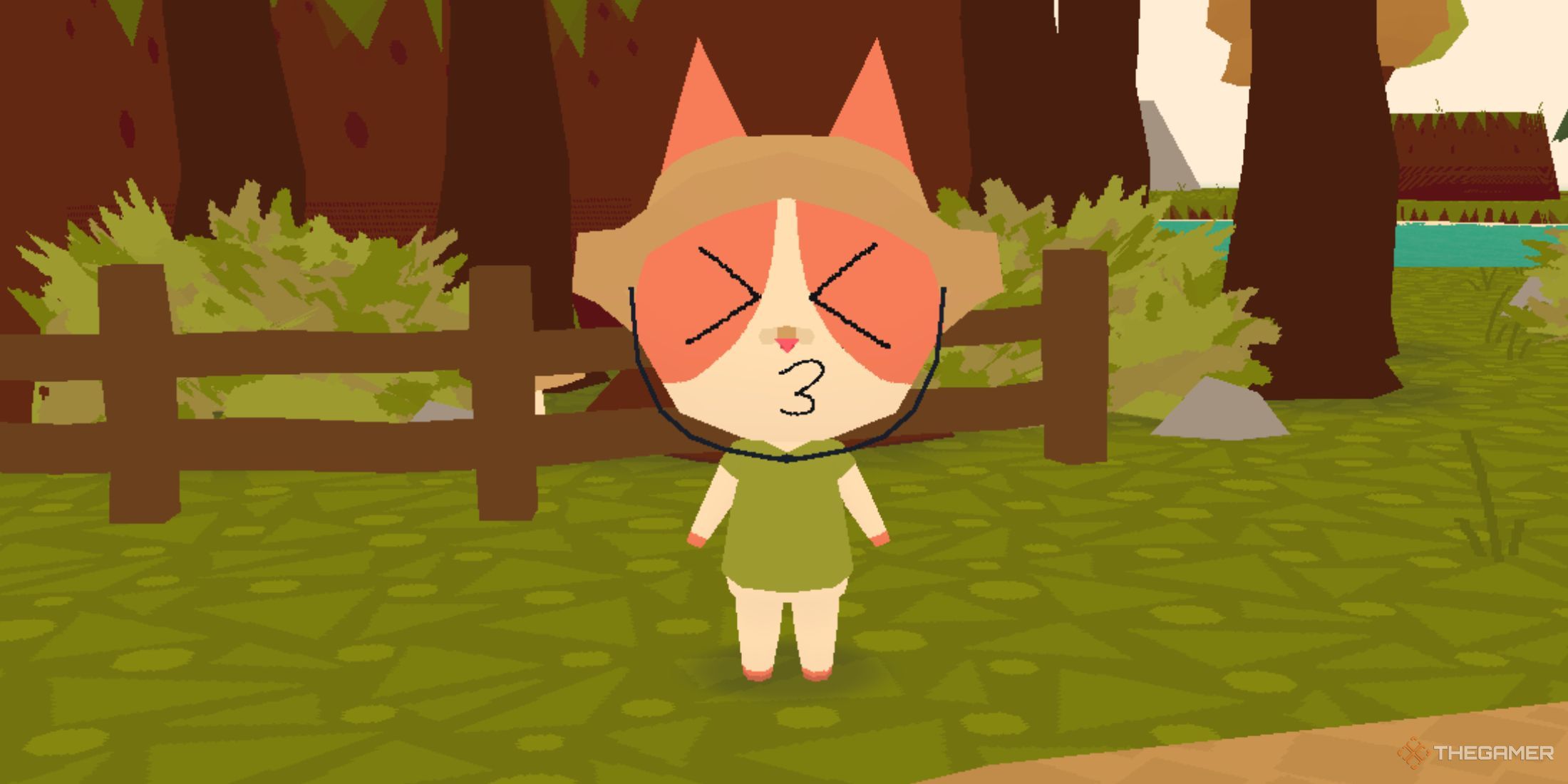
One way to keep the fun going is with emoticons, which allow your cat (or dog) to express a variety of emotions, from excitement to shock. Whether you're celebrating a big catch or playfully reacting to a fishing failure, these animations will add a charming touch to your adventures. Are you wondering how to unlock your cat's full expressive potential? Let's dive in.
How to do all emoticon commands

In addition to relaxing, hanging out and making friends, you can animate your cat (or dog) with emoticons show a wide range of emotions. These emoticon commands make interactions more fun. Here they are what are they and how to perform them.
All of these emoticons can also be performed while your cat is sitting. To do this, simply activate the sitting emote first, then proceed with any of the other emotes as normal.
|
Emoticon |
Keybind |
Photo |
|---|---|---|
|
Kiss |
press 'K' |

|
|
Bark/meow |
press 'G' |

|
|
Wave |
hold 'C' and release the top left icon |

|
|
Sit |
hold 'C' and release the top center icon |

|
|
Love |
hold 'C' and release over the top right icon |

|
|
Crazy |
hold 'C' and release the middle left icon |

|
|
Sad |
hold 'C' and release the middle right icon |

|
|
Shocked |
hold 'C' and release the bottom left icon |

|
|
Excited |
hold 'C' and release the bottom center icon |

|
|
Lots of barking/meowing |
hold 'C' and release over the bottom right icon |

|

Other
Webfishing: A Guide to Weather Events
How about skipping Webfishing and going meteor hunting instead?
