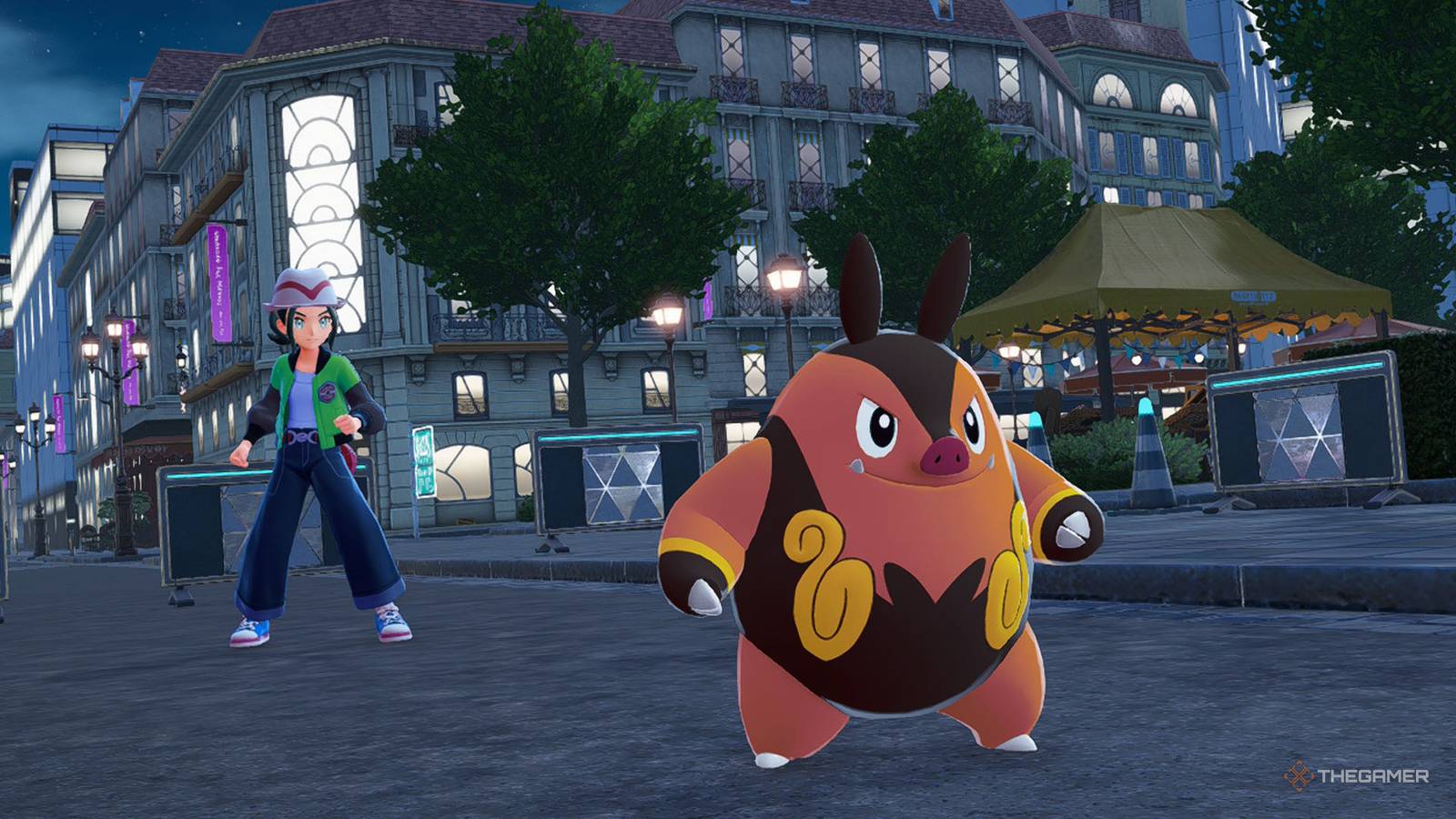
When it comes to catching them all Pokemon Legends: ZAyou'll need a helping hand because there will be some Pokemon you'll need to trade to evolve, and maybe others you'll have a little trouble tracking down, so a nice stranger or friend might offer you one of theirs.
You'll also want to be the best like no one has ever been (sorry, not sorry) and beat your friends and their Pokemon in battle. Online features like these aren't available right away, so we've covered how to unlock and use them for you.
When will online battles and trading be unlocked?

The Link Play option is only unlocked after you meet Mabel. After this point Press X go to your menu select 'Link Play'and the following options will appear:
-
Rated battles
-
Private battles
-
Link Trade
-
A mysterious gift
-
Titles
All Link Play features require an internet connection.
Battle modes explained

How to build a battle team

You can build your battle team from select 'Boxes' from the main menu and then press X twice get into Battle Teams. Combat teams they only require three Pokemonand that's for sure give them suitable objects to hold to give you an advantage in battle. All pokemon will be increased to level 50 for ranked battles.
Pokemon in your current party cannot be assigned to your battle teams, so be sure to move them out of your active party if you want to use them to battle.
Rated battles

Similar to the main game, ranked battles challenge players climb from position Z to position A. You will enter a battlefield with three other players where all four of you will be able to move in real time to get the best of each other.
Your rank resets at the start of each new season, and different Pokemon can also participate in ranked battles each season.
Defeating opponents will not only help you rank up, but can also earn you rewards such as Mega Stones, Exp. Candies and more.
Once you have your battle team ready, in Link Play select 'Rated Battles'you will then have the option to customize your team and then prepare for battle.
All battles last three minutesand at the end of the battle, all four trainers are ranked by the number of enemy pokemon they managed to weaken and other bonus actions (described below). Once you reach the maximum number of points, you will be promoted to a new rank.
during battle if one of your Pokemon passes out, you will return to the starting point with all your Pokemon fully healed. You can only switch your active pokemon three timesalthough this limit resets when you return to the starting point due to fainting.
If you perform poorly in a rated match, you will end up with negative points.
How to get more points
|
Split the first attack |
Land the first hit against an opponent in battle. |
|---|---|
|
Deal Last Attack |
Land the first last against an opponent in battle. |
|
First to Mega Evolve |
Be the first player to use Mega Evolution in battle. |
|
Advertise the item first |
Given to the player who takes the item first in battle. (There are glowing objects on the ground that can be collected.) |
|
Scattered attacker |
Defeat at least one Pokemon from each of your three opponents. |
|
Super effective striker |
Use super effective moves five or more times. |
|
Mega Evolution Destroyer |
Defeat a Mega Evolution pokemon. |
|
Most active striker |
Land the most attacks in battle. |
|
Fresh enemy hunter |
Given to the player who attacks the most enemy Pokemon at full health. |
|
A mega-evolving champion |
Defeat an opponent with a Mega Evolved Pokemon. |
|
Flawless Survivor |
Survive the battle without any of your Pokemon fainting. |
Distribution of items
|
Green |
Restores HP for all Pokemon in your party. |
|---|---|
|
Red |
Temporarily boosts Attack and Sp. Atk all Pokemon in your party. |
|
Blue |
Temporarily boosts defense and Sp. Def of all Pokemon in your party. |
|
Mega Power Orbs |
Gains Mega Power. |
Private battles
If you want something a little less chaotic than a ranked battle, you can host a private battle with friends near or far.
|
Players nearby |
Look for online battles over local communications. You can create a room, create your own passcode and invite friends, or join a friend's room if you already have their passcode. |
|---|---|
|
Remote players |
Search for online battles over the internet. You can create a room, create your own passcode and invite friends, or join a friend's room if you already have their passcode. |
You choose whether you want to use no restrictions, normal or casual rulesand whether players get three or six Pokémon on their team.
|
No restrictions |
|
|---|---|
|
Normal rules |
|
|
Rules for free time |
|
Trading, explained

How trading works
You can trade locally or online, either way you will need a referral code, and both players must use the same code to pair.
|
Players nearby |
Searching for business partners through local communication. You can then enter your chosen referral code and share it with your intended business partner or enter their chosen referral code. Just enter the same code for both. |
|---|---|
|
Remote players |
Search for business partners over the Internet. You can then enter your chosen referral code and share it with your intended business partner or enter their chosen referral code. Just enter the same code for both. |
Is there a special/miracle deal?
At the time of writing there it does not appear to be special or miracle tradingalthough it might unlock later.
However, you can still play with your Pokemon because a lot of players will enter generic link codes to get random trades, such as entering “0000 0000”.
