The Universe Modes, available in both the Superstar and Classic versions, allow you to create your own fantasy matches, feuds, shows, championships, and more. WWE 2K25‘s Superstar Mode, while more linear, centers on a single wrestler at a time. However, you can switch your chosen star if you get tired of developing one champion.
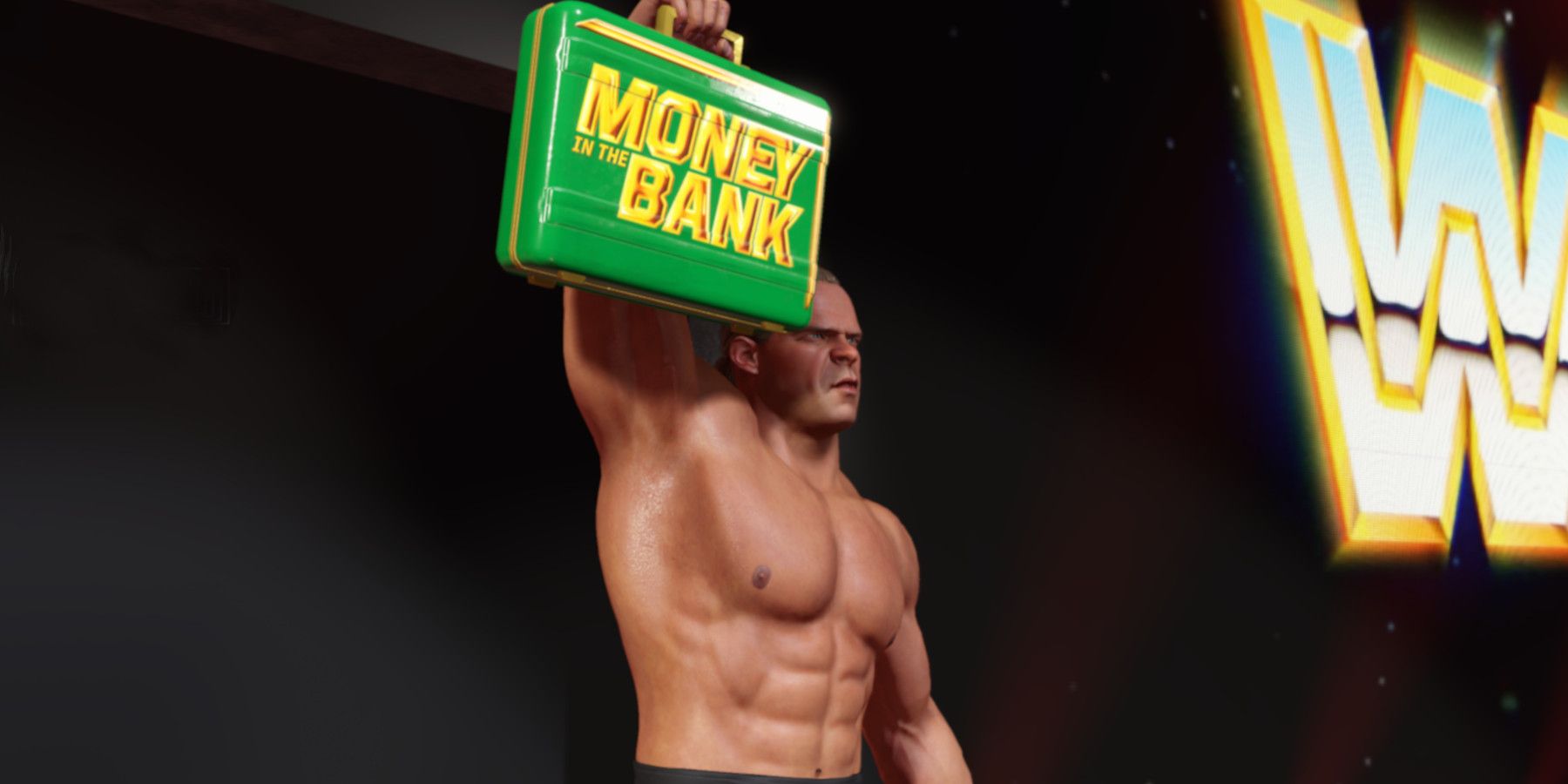
The Classic mode offers more flexibility and customization options, but it takes time to learn everything. However, cashing in the Money in the Bank to get a shot at the title is surprisingly complicated in both modes. This guide explains how to set your MITB holder and cash it in with various actions in WWE 2K25.
Updated June 21, 2025, by Michael Llewellyn: The Money in the Bank feature continues to be one of the most complex and frustrating elements of the WWE 2K series. It often requires extensive adjustments to the settings to successfully trigger the event. Under certain conditions, it’s even possible to increase the likelihood of a Money in the Bank event occurring in Exhibition Mode. This guide has been updated to include the steps for cashing in the Money in the Bank during Exhibition Mode.

Related
How To Change A Superstar’s Rating In WWE 2K25
Learn how to change your wrestler’s stats in WWE 2K25 to customize them to your heart’s content.
Cashing In The Money In The Back In Superstar Mode
Superstar Universe Mode allows you to select one wrestler to take to the championships and dominate the WWE. Despite being more strict and linear than the classic mode, it’s a lot less fiddly to get the Money in the Bank Rivalry actions to work properly using the following steps:
Switch To Classic Mode
- On the Superstar Universe Mode Home screen, select Options.
- Switch the Current Playstyle to Classic Mode.
- Select the next show that your main character that your chosen Superstar is in and Edit Matches.
- Delete or edit one of the match slots on the card.
- Choose a one-on-one match with the wrestler you want to use in Superstar Mode.
- Press the R3/RS button to switch the title match on.
- Press the accept button and choose MITB.
- Select Save.
- You can choose to play or simulate the match.
The quickest way to get the Money in the Bank briefcase on your character is to select simulate and pick your character.
This method also works for all titles in WWE 2K25’s Universe Mode.
Return To Superstar Mode
With the MITB assigned to your WWE wrestler, you can now switch back to Superstar Mode cash in the MITB contract using the following steps:
- Click Next Show to end the current show.
- Then, select Options and switch back to Superstar Mode.
- Reselect your chosen WWE Superstar and Accept.
- Select Manage Superstar.
- Your wrestler can now Cash in the Money In The Bank.
- You can announce the Cash-In so you can face the champion in a fair match, Mid-Match Cash-In enter during the middle of a match, and turn it into a Triple Threat, or Post-Match Cash-In to take advantage of a fatigued champion.
- Make your choice and select Play.
- Select your match and MITB cash-in to fight for the title on the next show.

Related
WWE 2K25: How To Chain Wrestle
Chain wrestling returns to enhance the series with back-and-forth technical grappling; discover how it works in WWE 2K25.
Cashing In Money In The Bank With Classic Mode
Trying to cash in the MITB in classic mode is more tricky because the process isn’t clear and requires two wrestlers to be in a rivalry in WWE 2K25. Use the following steps to successfully cash in the MITB briefcase to wrestle for the title.
- Before starting Tonight’s Show select, Edit Matches.
- Delete or edit one of the match slots on the card.
- Choose a one-on-one match.
- Press the R3/RS button to switch the title match on.
- Press the accept button and choose MITB.
- Select Save.
- You can either choose to play with a chosen wrestler or simulate and pick your winner.
- On the Home Screen, select Edit Shows.
- Select the show your MITB holder is on.
- Select Edit Championships & MITB.
- Select your MITB holder and select the target championship.
- Select Save.
- On the main screen, select Rivalries.
- Select an empty box.

- For Rivalry Type, select One On One.
- Select your Money in the Bank holder and the current champion.
- Select the next show that your MITB holder is on.
-
Before the next show, you can select to Announce Cash-In for a fair match.
- Or, if you want to try a post-match attack before cashing in, you’ll need to create a championship match on the show.
- Create a title match with the current champion, then select Edit Match.
- Customize Participants.
- Select your MITB Holder vs champion
- Switch to Free Mode with the Y/Triangle button.
More rivalry actions become available if the feud between the two wrestlers continues to intensify.
- Click in the R Stick to customize rivalries and select Cash-In for one of the MITB Rivarly Actions available.

- Select Finalize to save the Rivalry Action.
- Universe Mode will select a challenger for the champion with your MITB holder waiting to strike.
- Select Save.
Unlike Superstar Mode, you can assign your controller to one of the opening participants and deliberately lose the match if you want to speed things along. However, you’ll only control the winner to defend against the MITB challenger.
- Select Start the Show, then simulate matches you wish to skip, and watch your Money in the Bank actions unfold.

How To Cash In The Money In The Bank In Exhibition Mode
You can set up a potential Money in the Bank Cash In event during exhibition mode; however, this method is less reliable since it remains randomized. That said, you can increase the chances of an MITB event by adjusting a few gameplay settings and ensuring that the wrestlers have a rivalry, even if you don’t ever play through Universe Mode.
Run-In Settings
Before attempting to get a successful Money in the Bank event, you’ll need to make sure you have the correct settings in play first:
- Go to the Options screen and select Gameplay.
- Set Post Match Run-In (Play Mode) On.
- While still in Gameplay settings, navigate to the Balancing sliders menu.
- Increase the Post Match Run-In to 10. If you want a chance of a mid-match run-in MITB event, consider increasing that option as well.
- Finally, select Save.
Even with post-match run-ins set to maximum, there’s a good chance your MITB holder won’t come down to cash in the briefcase, or another wrestler will run in and attack instead. If this happens, don’t select rematch in an attempt to get the MITB event, as it won’t work. You’ll need to start the match from scratch.
Set Your MITB Holder
You’ll need to set up your MITB holder from the Roster using the following steps.
- Select Roster from the Home screen.
- Select MITB Management.
- Select your desired holder and ensure the AI Cash-In is set to On
- Make sure you set your target championship to the correct title holder.
If you pick the wrong champion or title holder, the Money in the Bank holder won’t make the run-in.
Set Up A Rivalry
You can create enemies and allies in WWE 2K25 without playing the Universe Mode. Here, you’ll want to make sure your Money in the Bank holder and your champion are Level 1 enemies.
- From the Home screen, open your Roster tab.
- Then select your MITB holder and select Enemies.
- Then set the champion as Level 1.
- Repeat the process with your champion and set the MITB holder as their Level 1 enemy.
Start The Match
Finally, you need to set up a championship match between your champion and a different challenger, hoping that your Money in the Bank holder will cash it in.
- Select Play from the Home screen.
- Select Normal (MITB only works in Normal Exhibitions).
- Choose One On One.
- Select your champion and any challenger you want.
- Click LS/L3 to select the championship.
- Select the champion’s belt and start the match.
- Your MITB holder now has better odds of making the cash-in.
- If the MITB holder cashes in, you can pause the game and change controllers to play as the challenger.
That’s everything you need to cash in the Money in the Bank in WWE for both versions of Universe Mode and Exhibition. Hopefully, future installments will make this feature more streamlined and less frustrating.

WWE 2K25

9/10
- Released
-
March 14, 2025
- ESRB
-
Teen // Blood, Language, Suggestive Themes, Use of Alcohol, Violence
- Multiplayer
-
Online Multiplayer, Online Co-Op, Local Multiplayer, Local Co-Op
