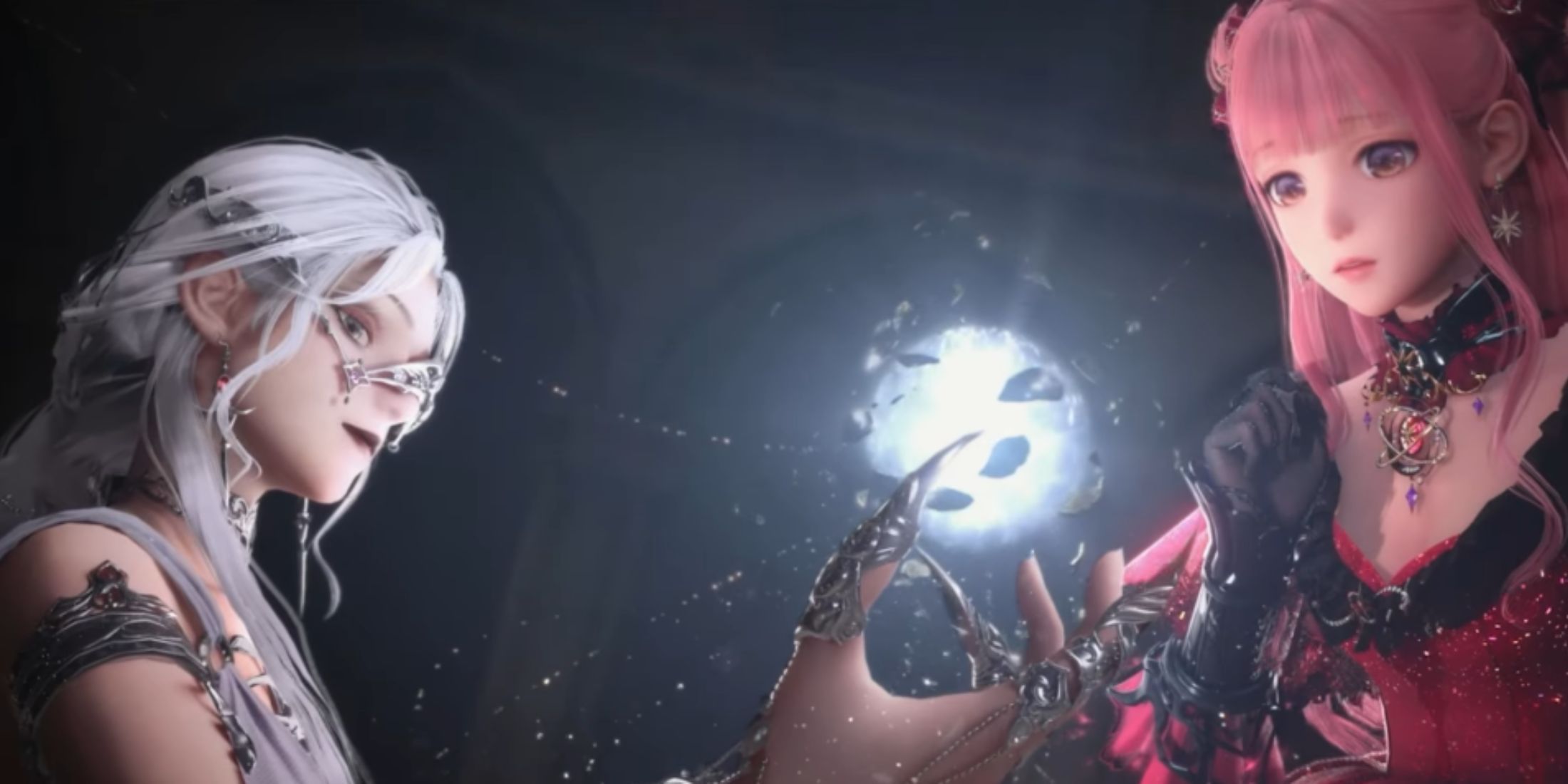
At first glance, Papergames' new creation may appear to be similar to other popular Gacha RPGs such as Genshin Impact or Stormy waves. but in reality Infinity Nikki it is very different, both in terms of game mechanics and system requirements, which deserve special attention. Therefore, in this guide, we will tell you about the best computer settings for Infinity Nikki.
The whole game is mostly an open-world dress-up experience. It is therefore no wonder that gamers want to enjoy gaming with the best graphics settings. However, it is not enough for you to make maximum use of all possibilities.

Related
How to get clothes for Momo In Infinity Nikki
There are a number of methods to get new skins for Momo in Infinity Nikki, but few of them are fast – even if they are worth it.
The best Infinity Nikki settings for low-end PCs

Infinity Nikki it has relatively high system requirements for PC devices. This also applies to the minimum requirements, so to reach this lower limit your specs should be these or higher:
- CPU: Intel i5-6600 or AMD Ryzen 5 1500X
- GPU: Nvidia GTX 1060, AMD Radeon RX 590 or Intel Arc A380
- RAM: 16 GB
- System: Windows 10 22H2.
If your computer meets the minimum requirements, you will be able to enjoy the world of Miraland. However, for this, players will have to reduce the graphics settings Infinity Nikki because of performance.
- Preset: Own
- Screen resolution: 1920×1080
- Display mode: Full screen
- Brightness: According to your preference and depending on your screen
- Frame rate: Unlimited
- Vertical sync: Off
- Dynamic resolution: Off
- Ray Tracing: Off
- Scene details: Low
- Render quality: Medium
- View Dheight: Low
- Shadow: Medium
- Texture: Medium
- Post-processing: Low
- Anti-Aliasing: DLSS
- Motion blur: Off
- Glow effect: On
- Photo quality: Any you want
- Screenshot quality: 1080p

Related
All main quests in Infinity Nikki
Here is a list of all the main story quests in Infinity Nikki.
Infinity Nikki PC setup for high-end PCs

If your specs meet all the recommended system requirements or even higher, then you can get an incredible gaming experience Infinity Nikki. The developers have put a lot of effort into making the world extremely beautiful, including various customization options for Nikki. But for this, you need to set the appropriate graphics settings Infinity Nikki:
- Preset: Own
- Screen resolution: Highest available for your screen
- Display mode: Full screen
- Brightness: According to your preference and depending on your screen
- Frame rate: Unlimited
- Vertical sync: Off
- Dynamic resolution: Off
- Ray Tracing: On (optional)
- Scene details: Ultra
- Render quality: Ultra
- Show distance: Ultra
- Shadow: Ultra
- Texture: Ultra
- Post-processing: Ultra
- Anti-Aliasing: DLSS
- Motion blur: Off
- Glow effect: On
- Photo quality: Any you want
- Screenshot quality: 2160 p

Adventure
Open world
Getting dressed
RPG
- Released
- December 5, 2024
- Developers
- Papergames, Infold games
- Publishers
- Paper games
